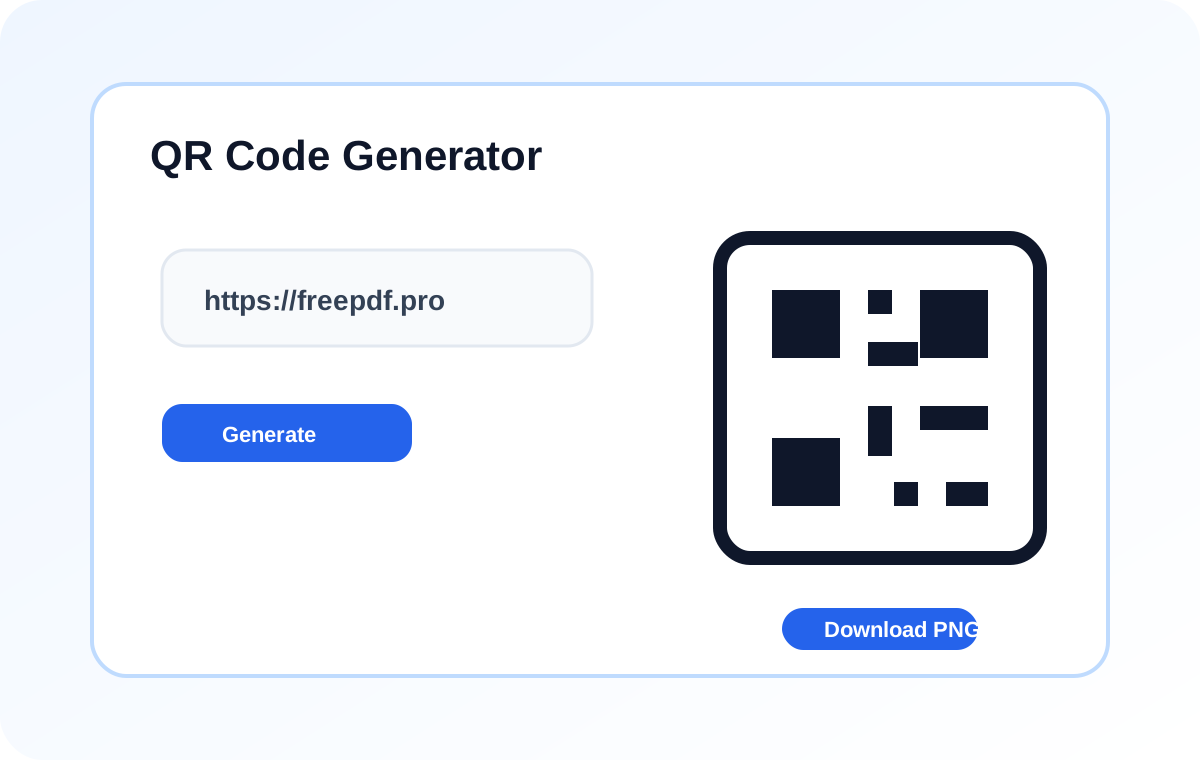
A free QR code generator without the usual catches
Most QR code generators online work fine until you try to download a high-resolution version, and suddenly there is a paywall. This one does not. Paste your link, pick a size, download the PNG. That is it. You can come back tomorrow and make another one, and one after that, and the experience does not change.
What you can actually encode
The classic link to QR code is the most common — a long URL in, a scannable code out, perfect for menus, flyers, and business cards. But the same QR code generator handles location pins that open Google Maps, UPI codes for quick shop payments in India, PDF links for brochures and manuals, Wi-Fi share codes for offices, and plain text for short notes. If it has a URL or a small amount of text, you can put it on a QR code.
The small things that make a QR code scan well
Keep your URL short — long links create dense codes that struggle under bad lighting. Use a higher error correction setting if the code is going on packaging, posters, or anywhere it might get scratched or creased; it lets the QR code survive partial damage. Size it for the distance it will be scanned from, and always test with a real phone before sending it to print.
Bulk and everyday uses
People use this as a website QR code generator for business cards, a location QR code generator for event venues, a UPI QR code generator at a shop counter, or a simple PDF QR code generator for manuals and brochures. If you need a handful of codes for a campaign, the bulk QR code generator workflow is just making them one after another — there is no cap and no daily limit.