What This Background Remover Does Well
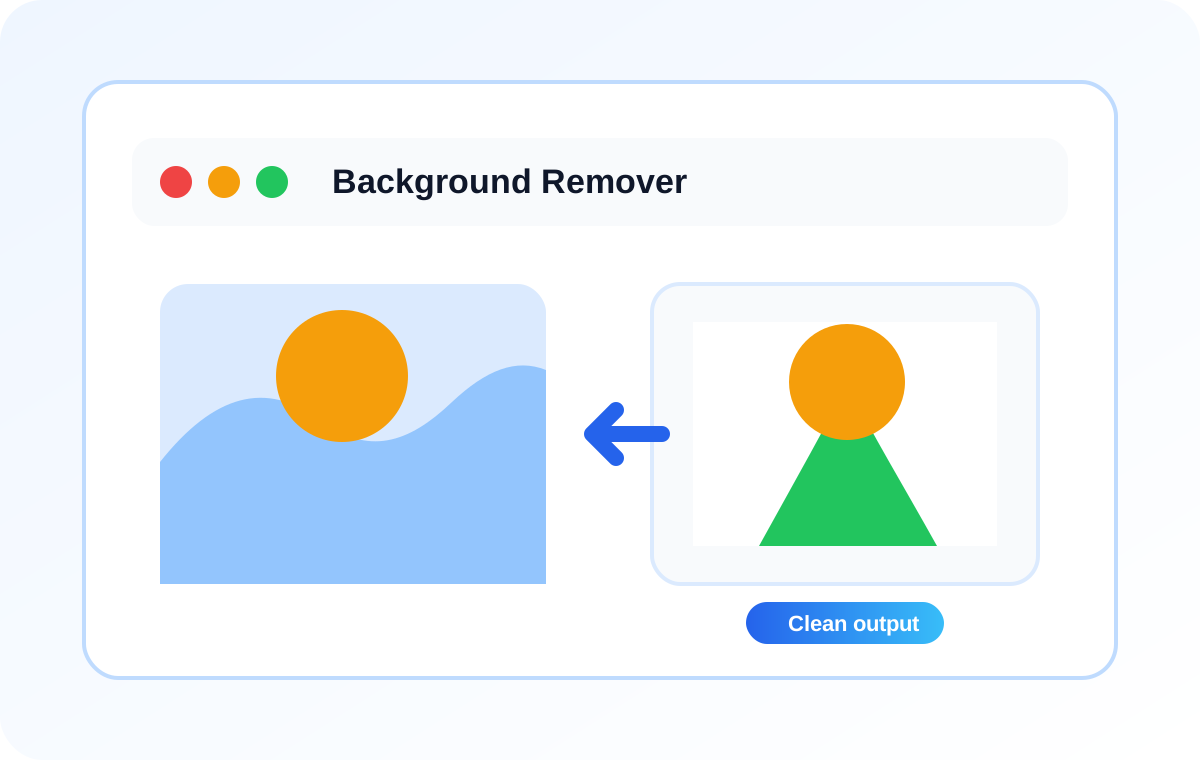
This tool is built for the kind of cleanup people do all the time: taking a photo with a plain background and replacing that backdrop with clean white space. It works best when the subject stands out clearly from the background. Product shots, portraits against a simple wall, and graphic-style images usually respond well. More complex scenes can still work, but they may need a bit of tolerance adjustment.
How To Get A Cleaner Cutout
Start with the default tolerance and look at the result first. If some of the background is still visible, raise the tolerance a little and try again. If the subject edges look too thin or start disappearing, pull the tolerance back down. In practice, that quick back-and-forth is usually enough to get a solid cutout from a simple source image.
Why A White Background Is Useful
A clean white background is still one of the most practical finishes for product images, marketplace listings, documents, and simple design work. Once the busy backdrop is gone, the subject looks cleaner, more focused, and easier to reuse in catalogs, slides, and marketing assets.
Useful Follow-Up Tools
After removing the background, many people still need to resize the image for a layout, compress the PNG for faster delivery, or convert it for a different publishing workflow. Keeping those related image tools close by makes the whole process quicker and avoids the usual tab-hopping.