Image Resizer
Change image dimensions without turning a simple task into a project.
Start here
Use the Image Resizer
Choose your file or enter your content below, then run the tool and download the result.
A Simple Way To Get Better Results
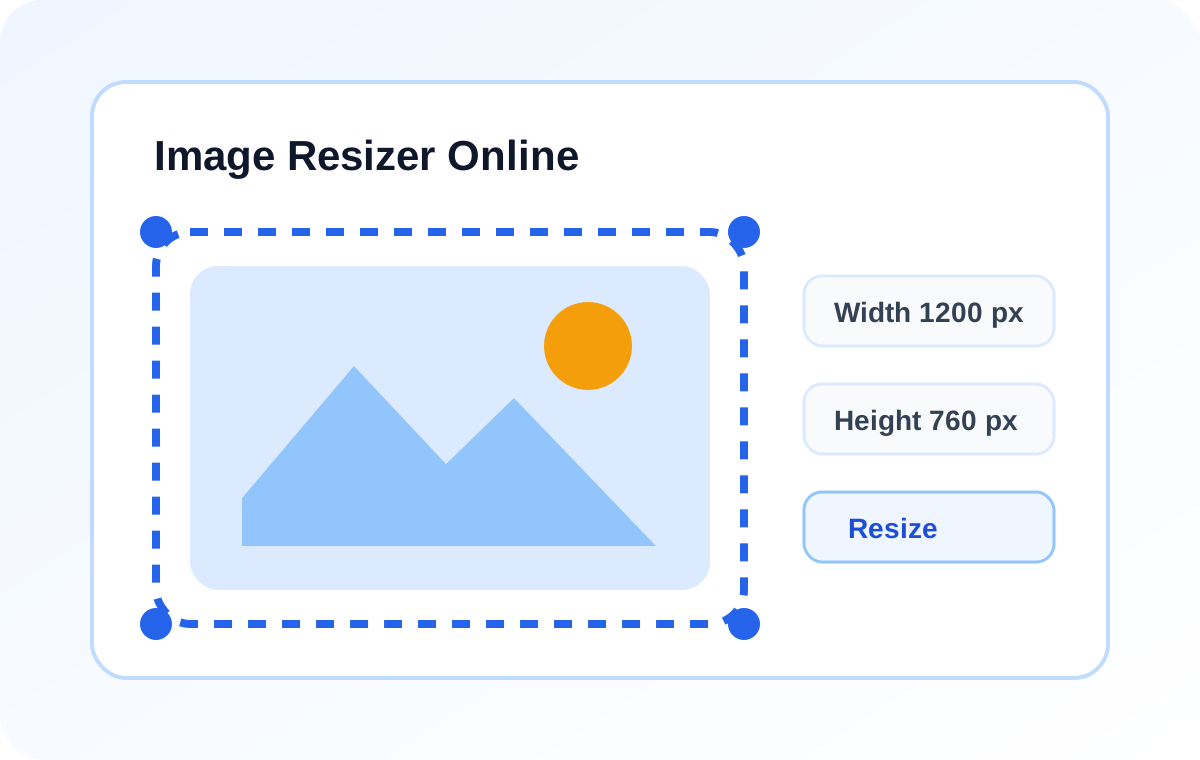
- Upload the image you want to resize.
- Enter the width, height, or both.
- Keep the aspect ratio if needed, then download the updated file.
After the first pass, take a moment to review the result and adjust the settings if the tool offers them. The practical upside usually looks like faster design prep, cleaner social exports, more consistent layouts. A few habits help even more: keep aspect ratio on for most photos, use exact dimensions for ad and social placements, avoid stretching very small images too far. None of that is complicated, but it does make the tool more dependable when you use it regularly.
Where It Fits In A Bigger Workflow
More tools
Related Tools
Background Remover
Remove a simple background from an image and replace it with a clean white background.
Image Compressor
Make image files smaller without going through desktop software.
Image to Base64
Encode an image file as Base64 text for embeds, snippets, and quick tests.
JPG to PNG Converter
Turn JPG files into PNG images when you want a cleaner editing-friendly format.