Merge PDF
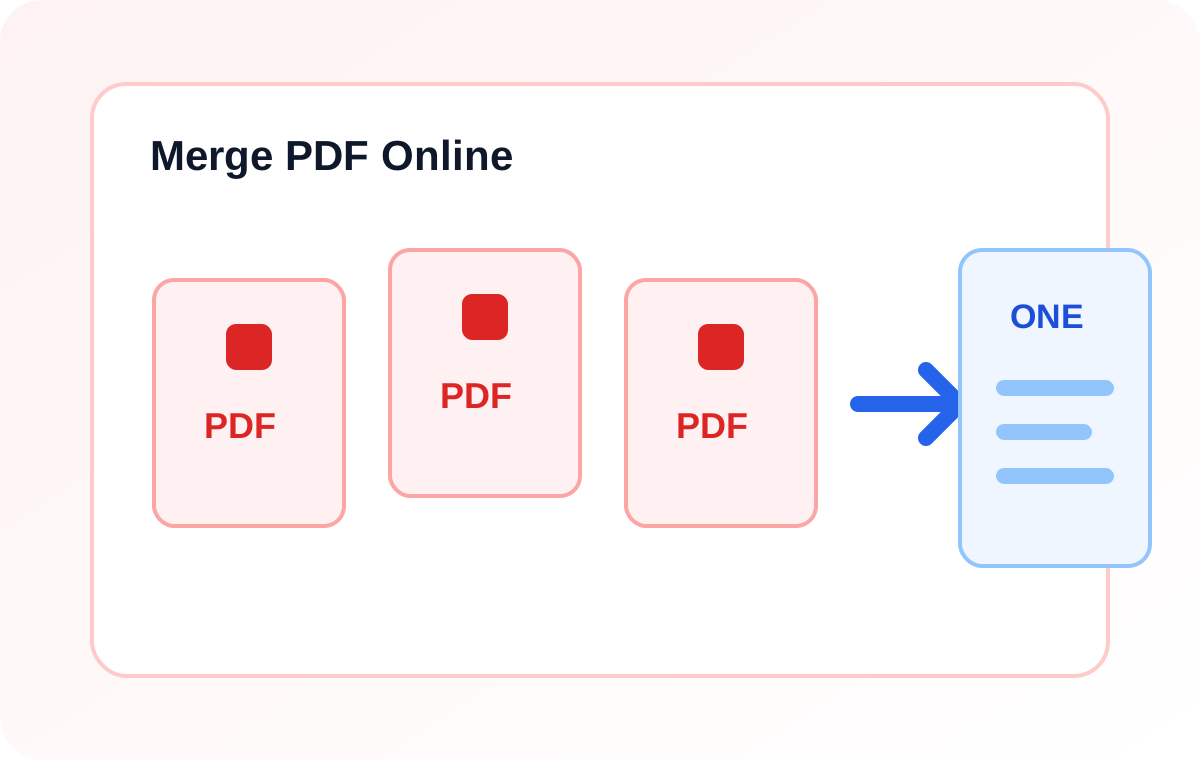
Merge separate PDF files into a single document that is easier to send around.
Start here
Use the Merge PDF
Choose your file or enter your content below, then run the tool and download the result.
A Simple Way To Get Better Results
- Upload at least two PDF files.
- Keep them in the order you want.
- Generate one merged PDF and download it.
After the first pass, take a moment to review the result and adjust the settings if the tool offers them. The practical upside usually looks like cleaner document bundles, fewer attachments, simpler handoff. A few habits help even more: double-check the file order before merging, group related records into one download, review the final PDF before sending it out. None of that is complicated, but it does make the tool more dependable when you use it regularly.
Where It Fits In A Bigger Workflow
More tools
Related Tools
Compress PDF
Create a smaller, cleaner PDF for sending, storing, or uploading.
PDF to Word
Turn readable PDF content into a Word document you can actually edit.
Word to PDF
Turn a Word document into a PDF that is easier to share, review, and store.
Background Remover
Remove a simple background from an image and replace it with a clean white background.